
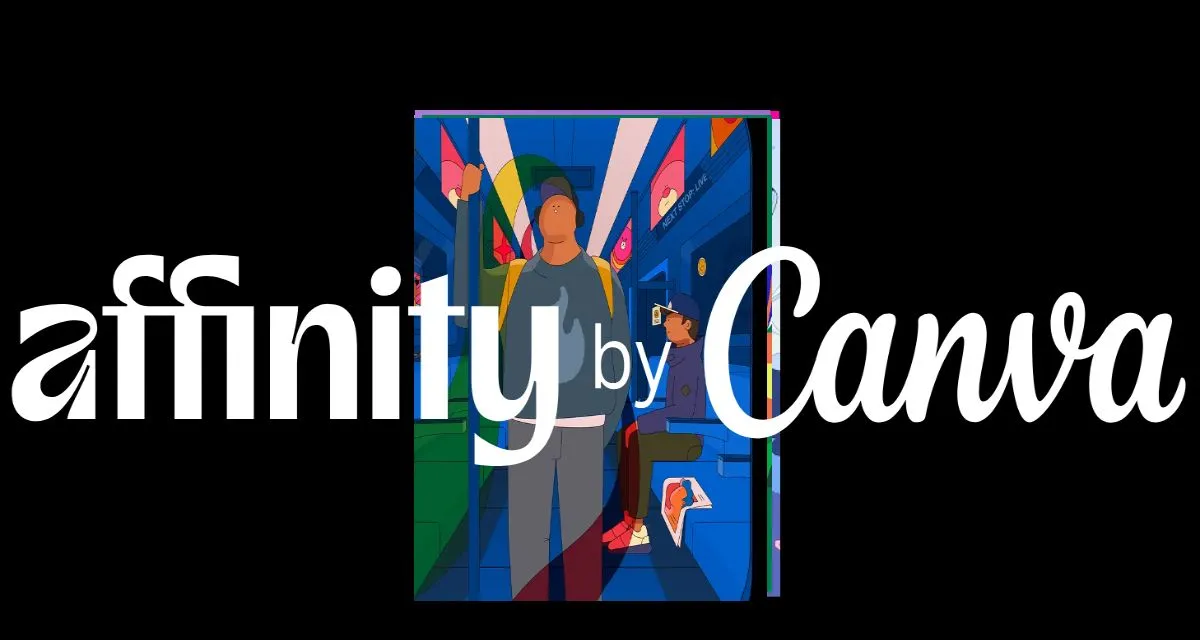

Melanie Perkins told the audience we’re moving from the information era to the imagination era. Canva just launched what it’s calling Your Canva Creative Operating System a big update that ties together a massive content library, a collaborative design engine and an app ecosystem, plus Canva AI and a Visual Suite that includes Docs, a Photo Editor, video editing and social tools.
With a $42 billion valuation, 260 million monthly active users, 29 million paying subscribers and $3.5 billion in revenue Canva says this will help them move from creating templates to managing workflows. But it’s ambitious and meant to be experienced not read.
Canva Creative Operating System Ditches Flat Images for Something You Can Actually Edit
When Canva unveiled the new Design Model, the templates suddenly took on a life of their own, & suddenly every element just fell perfectly into place – tug on a phrase, drag a photo & the whole layout just reformats itself in a way that looks like a real designer was the one who did it. From the front row an editor murmurs to themselves ” Actually that worked ” & a low hum of surprise runs through the room.
In that demo, the editable AI designs are not just churning out static pages, they actually behave like a designer in a booth with you. Rather than spitting out a pre – made layout, they’re actually giving you real design options to work with. Open up a mockup and everything responds – layers adjust, fonts change on the fly, & the whole composition stays together. It feels less like some software you’re using & more like being asked to join in on the design process with the design itself.
Affinity Free Forever Inside Canva Creative Operating System
Canva said it would make Affinity free forever inside the Canva Creative Operating System, which is a shock if you remember Affinity as that one-pay app you felt smug about.
During the keynote a design guy leans over and whispers “did they actually make Affinity free ? ” Someone near him laughs – the move felt almost too good to be true . The demo that followed showed how you could merge the finesse of detailed photo editing with Canva’s nice & easy drag-and-drop layouts, side by side – it was a no-brainer .
You could jump between pro-level tools and simple projects like maybe whipping up some new postcards on a whim . Then this super sweet moment happens – the presenter opens up a 9 year old Photoshop file and to everyone’s surprise every single layer just springs back to life – no signs of age whatsoever . The livestream chat goes nuts with clapping emojis even as the feed struggles to keep up – which is kind of a perfect metaphor for Canva’s pitch : that they can somehow make sense & meet both seasoned pros & casual hobbyists at the same time .
Canva Creative Operating System Turns Spreadsheets Into Widgets
They demoed Canva Sheets inside the Canva Creative Operating System and it was not your grandfather’s grid, it was numbers turned into objects you could move and play with. Drag a cell and it becomes a live chart, hook up a form and the dashboard updates, and a marketer in the back yelled, “finally,” because they could see ad creatives fill themselves from a sheet.
The sheet even spawned a widget you drop into a design and it refreshes in real time, which felt less like a bolt on and more like a real bridge between data and design. My stream hiccuped and my laptop choked for a second, and still this felt quietly revolutionary if you sell anything online — do formulas, build charts, and export a thousand personalized banners without bouncing between eight different apps.
Canva Grow and the Canva Creative Operating System Marketing Glow-Up
Canva Grow its one of those parts of the Canva Creative Operating System, i think it is quiet useful to manages your ads and check for you whether ads are performing or not . But the best part is It seamlessly integrates with your designs behind the scenes, so you don’t have to juggle multiple tools to make everything align.
During the demo when the system tossed out a suggestion for revamping two ad campaigns that weren’t doing so great. The platform comes with some fresh variants straight out of the AI designs and Canva templates and had them back up on the screen in the blink of an eye as some quick test options to try out.
When I first started thinking about what this product. I expected something cold and mechanical that would take over all the decision-making. But what I got was more like having a clever assistant that weeded out the weak ideas & helped your campaign start to find its footing. I scribbled down the phrase “marketing that designs for you” and I meant every word. The demo showed real-time data and a clear pathway from an idea to ad spend, and for once, the math and the actual work of making it happen felt like they were finally speaking the same language.
Canva Creative Operating System vs Adobe: The Fight Just Got Real
If you like a good underdog story, this one’s worth a look. Canva’s new Creative Operating System feels like it was made to poke the old guard a little—grabbing those pro-only tools and somehow turning them into something anyone could pick up.
During the Q&A, someone suddenly asked how Photoshop would fit in. On the livestream, a designer mouthed no way, and the chat started cracking up. Then Canva dropped the real surprise: Affinity would be free. For a moment, the feed went wild half the crowd confused, half cheering as if everyone had just realized the rules had completely changed.
It’s not a full-on showdown yet, but it’s as close as it gets to real competition. Adobe used to be the only big player in town, but Canva’s now pitching its own big tent—covering not just design, but the entire marketing side too. I closed my laptop my coffee had gone cold hours ago—and thought: a lot of people are going to have to relearn their tricks, and that’s going to be really interesting to watch.



Leave a Reply