
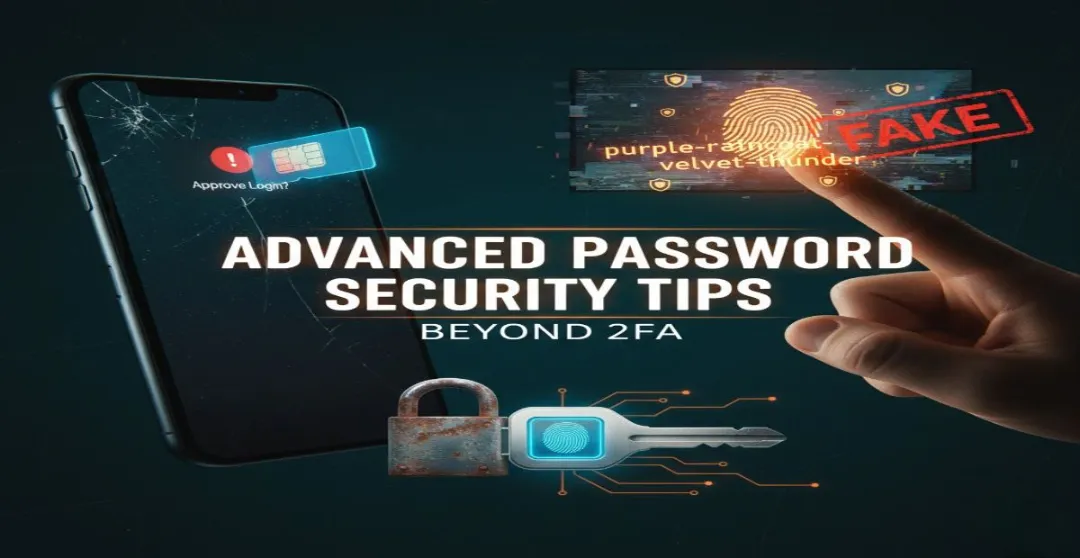

As you all know, staying safe from scams these days isn’t easy. Everywhere you look, there’s some new trick or fake login page waiting to trip people up. That’s why I am going to share with you these advanced password security tips Honestly, security isn’t as complicated as people make it out to be. I believe that people make security seem more difficult than it actually is, which is why they keep using the same weak passwords everywhere.
You don’t have to be perfect, you just need to be a bit sharper than whoever’s trying to get in, these little changes build up fast, and honestly once you start doing them, you’ll kinda laugh at how easy they are, seriously, it’s all about small habits that keep your digital life from falling apart when someone tries to mess with it.
Why 2FA Isn’t Enough Anymore And What Actually Works
Many people think two-factor authentication is the safest but the truth is it is not as safe as people think. You need more protection around the things you own to get better password security because hackers can do SIM swaps, fake push prompts and trick messages. Make sure your password is long, memorable passphrases, and get a hardware key for the accounts that actually matter the most. Treat every layer like a tool; one catches what the other misses. That’s how you sleep better.
The Rise of AI-Powered Phishing and Deepfake Scams
Nowadays the scams look real and scary real because AI can write perfect messages, mimic voices, even make videos that fool your eyes, you get a text or a clip and your brain just reacts before you think, that’s the trap. In my opinion the best habit is to pause for a few seconds, take a long breath and double check most scams die right there. It is important to invest in improved security practices for yourself.
How AI Phishing Detection Tools Spot Fakes Before You Click
These tools look deeper into an email, they verify who sent it, crawl the links, examine the odd phrasing and fake attachments things you had missed when you’re half asleep. How sketchy an email looks, provide a warning, like a friend slapping you on the shoulder before doing something stupid.
Deepfake Detection: Free Tools to Verify Videos and Voices in Seconds
You can drop a suspicious video in one of the free checkers that analyze it for editing, and look for out-of-place frames, odd shadows, glitchy audio etc. It is not perfect but it catches the obvious fakes quickly. You just saved your group chat from perpetuating the next hoax video.
Passphrase Generators: Create Unbreakable Passwords You’ll Actually Remember
Forget all that messy, hard-to-remember nonsense. Just grab four or five random words — real ones — and you’ll notice they start to form a tiny story in your head. That image sticks. Then add a symbol or number that means something to you — maybe your first car’s year, or a lucky digit. You will remember it because it makes sense not because you forced yourself to memorize. If that still irritates you there are options of password generator use it and select the word that seems appropriate.
Best Free Passphrase Generators No Subscription Needed
There are sites that spit out weird word combos, no logins, no payment, just words, grab one, maybe swap a word for something personal so it sticks, it’s weird how easy it feels once you try it.
Browser Password Extensions That Do More Than Just Autofill
Good password extensions aren’t just lazy autofill. They warn you when your login’s in a breach, they stop phishing pages before you type, and they remind you when you’re reusing stuff. They’re like quiet bodyguards while you browse. For true advanced password security, these tools are non-negotiable.
Top Browser Extensions for Advanced Password Security
Look for one that’s been tested and updated, turn on alerts, check that the generator actually works, don’t give permission to random stuff it doesn’t need, think of it like feeding your guard dog once in a while, keep it strong and loyal,
Biometric Authentication: The Silent Upgrade Beyond 2FA
Face ID, fingerprints, all that stuff—it’s convenient and honestly safer in most cases, but don’t think it’s magic. Keep a strong backup passphrase just in case, and don’t reuse that PIN across your devices. Biometrics make things smoother, less hassle, but still need a backup. This is the next level of advanced password security beyond traditional 2FA.
How to Set Up Biometric Login on Phones, Laptops, and Browsers
Check your phone or laptop settings. Find set up a fingerprint or your face ID according to your choice under sign-in or security option. Then pick a recovery phrase, something you can remember in your head but make sure it is not easy to guess. If encryption is available, don’t skip it and test it twice before you trust it. nothing worse than getting locked out after feeling smart you realize you’ve locked yourself out
Context-Aware and Adaptive Authentication: Security That Thinks Like You
This is the security that kinda learns your habits, it knows your usual city, your normal devices, when it sees something off, it asks for extra proof, no drama when it’s you, tighter walls when it’s not, I like that because it feels less annoying and more like it’s working with you.
Real-World Examples of Adaptive Authentication in Action
All these little things help you to prevent big problems like when your bank asks for another code if you login from another country, or when an app makes you verify if you are on a new phone. Even your job’s network does it, locking down files until you’re back at your desk.
Password Security Beyond 2FA: Your 5-Minute Daily Checklist
Every day you need to check your vault for reused logins,update the old ones, look at breach alerts, maybe patch your OS while you’re at it. Delete those junk accounts you made ages ago. You have to stop clicking random links in emails. These small habits matter more than buying a new gadget, they compound over time; I’d rather spend five minutes now than an hour later in full panic mode.
Bonus: Deepfake Prevention Habits for Everyday Users
If a voice or video message feels off, just call the person you know. Use the number in your contacts, not what pops up in the message. Watch for odd blinking, strange timing, weird expressions. If they are asking for money or secrets, double-check — every time. Think of it like a mystery package: read the label before you open it. One second of doubt saves a lot of trouble.

No comments yet. Be the first to share your thoughts!