
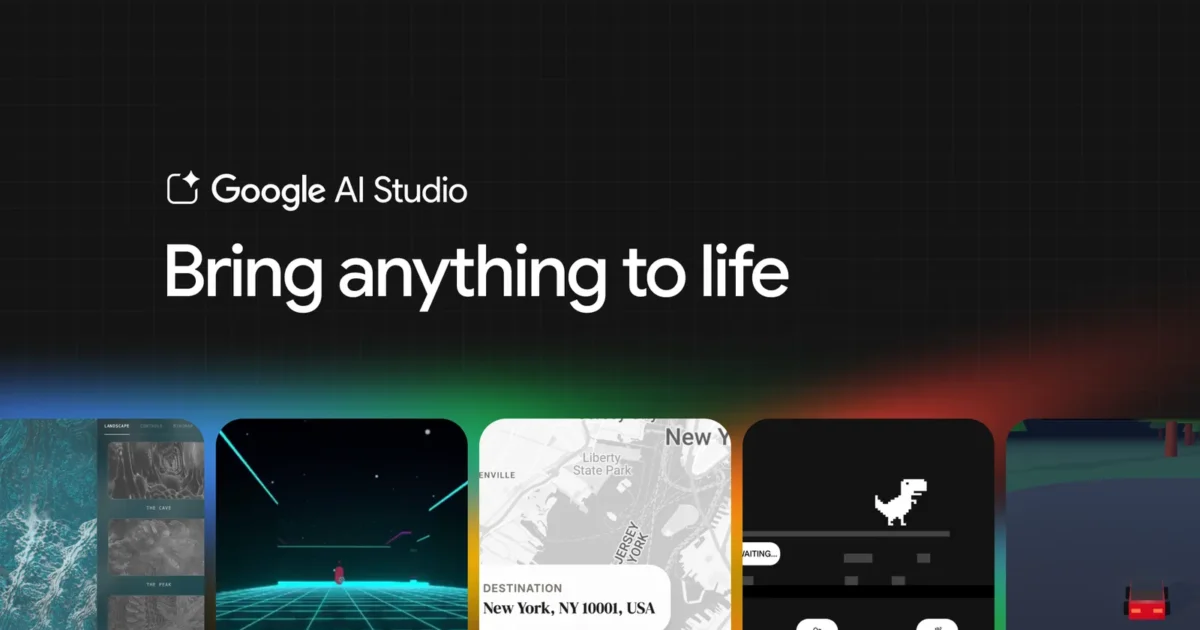

On March 18, 2026, Google rolled out a significant upgrade to its AI Studio platform, introducing what it calls a “full-stack vibe coding experience” that transforms text prompts into production-ready applications. Not prototypes. Not demos you screenshot and forget. Actual apps with backends, user logins, real-time multiplayer — the whole stack. Built by describing what you want in plain English.
What the Antigravity Agent Actually Does
The star of this launch is the Antigravity coding agent — and it behaves differently from anything Google has shipped before. Unlike traditional coding assistants like GitHub Copilot or Cursor, which sit beside you as you type, Antigravity takes the wheel entirely. You describe your goal. The agent plans the entire project, writes the code across multiple files, runs tests in a built-in browser, and fixes its own errors — all autonomously.
When I looked at what it can actually build, the jump from earlier vibe coding tools is noticeable. Previous generation tools were good at static UIs — the kind of thing that looks great until someone tries to log in or save data.
The agent can automatically detect when an application requires a database or login system and provision services through built-in Firebase integration, including Cloud Firestore and Firebase Authentication. So it’s not just writing frontend code and hoping for the best. It’s reading the requirement, understanding what backend pieces are missing, and wiring them up itself.
Real Apps, Not Just Demos
Here’s where things get concrete. Google showed off several apps built entirely through prompts — and they’re not toy examples.
Quick spec check:
- Real-time multiplayer via Firebase sync
- Three.js 3D animations (imported automatically by the agent)
- Google Maps live data via secure API credential storage
- Next.js, React, and Angular all supported out of the box
- Built-in Secrets Manager for third-party API keys
Neon Arena is a multiplayer laser tag game with real-time leaderboards. Cosmic Flow is a collaborative 3D particle visualization prompt for “a multiplayer experience using 3D particles” and the agent sets up real-time syncing logic, imports Three.js, and creates a shared space where each person’s cursor spawns particles that flow with curl noise.
Actually the wrong word for what Cosmic Flow is. It’s less a “visualization” and more a shared canvas that reacts to everyone in it simultaneously. Small distinction, but it matters for understanding what the multiplayer architecture actually does here.
Neon Claw handles claw machine physics, timers, and a leaderboard — all from a prompt, with Three.js imported for interactive 3D elements. GeoSeeker pulls live data from Google Maps, turning a concept into a working utility. There’s also Heirloom Recipes, a real-time catalog tool with Gemini-powered recipe generation built in.
Full-Stack Vibe Coding Finally Has a Backend
This is the part the hype around vibe coding usually glosses over. Frontend-only tools can generate impressive-looking apps in minutes. But the moment a user needs to log in, save data across sessions, or share state with another person — those tools hit a wall.
Google solved this by baking Firebase directly into the AI Studio vibe coding experience. The agent sets up socket connections and syncs data across users without you needing to understand the underlying technology.
The updated experience also supports persistent sessions — close the browser tab and the app remembers where you left off so you can continue whenever you’re ready. That’s not a small thing. Every other tool in this space makes you start over or manually export the state. Here it’s handled automatically.
The secret management piece matters too. Developers can connect apps to third-party services like payment processors, mapping providers, or external databases without hard-coding credentials the agent detects when a key is required and safely stores it.
Where It Falls Short
One honest issue: rate limits tightened on Antigravity, and a vocal community started calling it a “paperweight” the credit system is opaque, and exactly what a credit buys when used with Antigravity isn’t clearly documented.
So the free experience in AI Studio is genuinely impressive for prototyping. But the moment you push toward production-grade scale through the Gemini API or Vertex AI, token-based costs kick in. That transition isn’t painful — but it’s real, and worth knowing before you build something ambitious and hit a usage wall mid-demo.
Should Developers Pay Attention?
The tight Firebase integration features reduce the friction of wiring up services that usually require configuration across multiple consoles. By centralizing these steps, the platform cuts onboarding time for new projects and makes iteration faster for existing codebases.
The company claims internal teams have built hundreds of thousands of apps using this system over recent months, a figure that suggests heavy internal testing before public release. That’s not a marketing number you ignore.
For developers who want to validate an idea fast, yes, this is worth your afternoon. For non-coders building internal tools, the Firebase backend integration finally makes the output usable beyond a prototype. For serious production work, keep an eye on the credit system before you commit.
Future updates are expected to include deeper integration with Google Workspace tools such as Drive and Sheets, as well as tighter connections to Google’s broader cloud infrastructure. When that lands, the gap between “idea” and “deployed” gets even smaller.
Try it at aistudio.google.com — the new experience is live today.

No comments yet. Be the first to share your thoughts!