
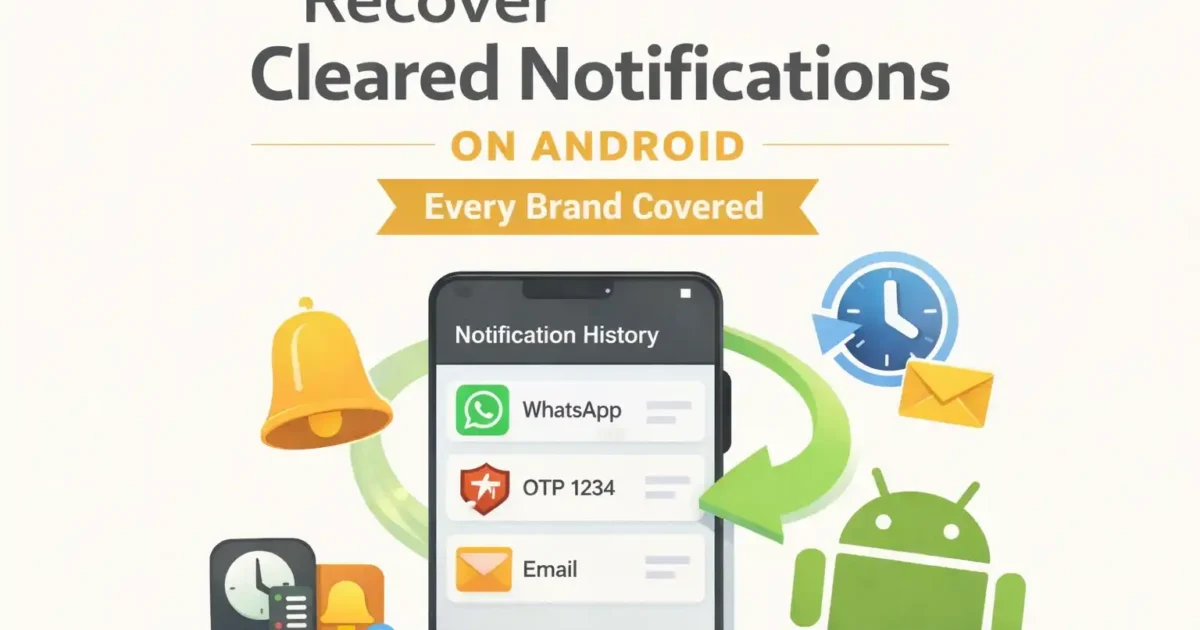

Android cannot normally recover a notification that was dismissed before Notification History was turned on. If the feature was already enabled, the phone may keep a recent record of dismissed alerts. The exact menu and retention behavior depend on Android and the phone maker.
Turn on Notification History now
Notification History is not a time machine. Android records notifications only after the feature is enabled, and the default history window is short. Android Open Source Project documentation says the default retention period is 24 hours, although manufacturers can change how the feature looks and behaves.
On many recent Android phones, open Settings > Notifications > Notification history, then enable Use notification history. Menu names can differ. Use the Settings search box for “notification history” if you cannot find it.
Google Pixel and near-stock Android
On supported versions, Google’s standard path is Settings > Notifications > Notification history. Google describes the feature as a way to find recently dismissed and snoozed notifications, but the exact options can vary by device and Android version.
Open Settings, tap Notifications, choose Notification history, and review the recent list. Tapping an entry may open the app that generated it, but the original notification may no longer be actionable.
Samsung Galaxy
On current One UI versions, try Settings > Notifications > Advanced settings > Notification history. If the menu is missing, search Settings and check the Android version. A software update can change the location, but it cannot create a history for alerts dismissed before activation.
Xiaomi, Redmi, POCO, OnePlus, Motorola, and other brands
Support varies by model and software build. Search Settings for “notification history” first. If no system setting exists, do not assume a hidden code or a random recovery app will restore old alerts. Third-party notification-log apps can only record alerts after they receive notification access, and that access can expose message content.
Why an alert may not appear
- Notification History was off when the alert arrived.
- The app was blocked from sending notifications.
- The alert was silently delivered or grouped by the system.
- The app removed or updated its notification before you checked.
- The phone maker uses a different implementation or retention period.
- Some ongoing, media, system, or sensitive notifications are handled differently.
What to do if history was off
There is no reliable hidden menu, dialer code, or recovery app that can reconstruct a notification the system never recorded. If the alert involved a delivery, payment, login or message, check the service that generated it rather than installing an app that promises retroactive recovery.
Open the original app and check its inbox, activity page, messages, or account alerts. Email, banking, delivery, and social apps often keep their own records. Ask the sender to resend the message when possible. Avoid apps that promise to recover notifications retroactively; they cannot read an event they were not allowed to record.
Privacy note
Notification access can include private message previews, one-time codes, and account details. Grant it only to software you trust, and disable the access when you no longer need it. A lock-screen preview can also reveal sensitive information, so review Settings > Notifications > notifications on the lock screen.
Official references
For the standard Android behavior, see Google’s notification controls guide and the Android Open Source Project’s Notification History documentation.
Best quick answer
If Notification History was enabled, check Settings > Notifications > Notification history. If it was not enabled, Android generally has no built-in way to retrieve a cleared notification. The useful step is to enable the feature now and use the original app when an older alert is gone.

No comments yet. Be the first to share your thoughts!